The purpose of this Aeronautical Information Circular is to announce the changes in format that are gradually taking place in the different sections of the AIP.
From the AIRAC 02/24 amendment onwards, sections have been gradually introduced where the HTML format becomes the “main document” without this affecting the AIP contents or navigation, but there are certain noteworthy changes that must be considered:
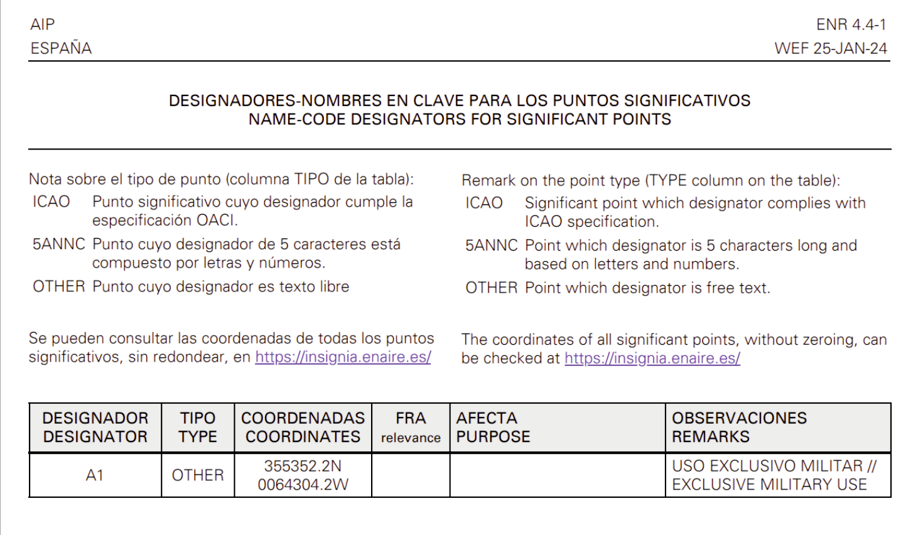
1. The HTML sections are displayed in a single language. Until now the PDF sections were displayed simultaneously in English and Spanish, with one language in each column.
Example of an “old” file with simultaneous language presentation.
The HTML sections of the AIP are now rendered in the AIP viewing language, which may be selected at the top right of the browser.
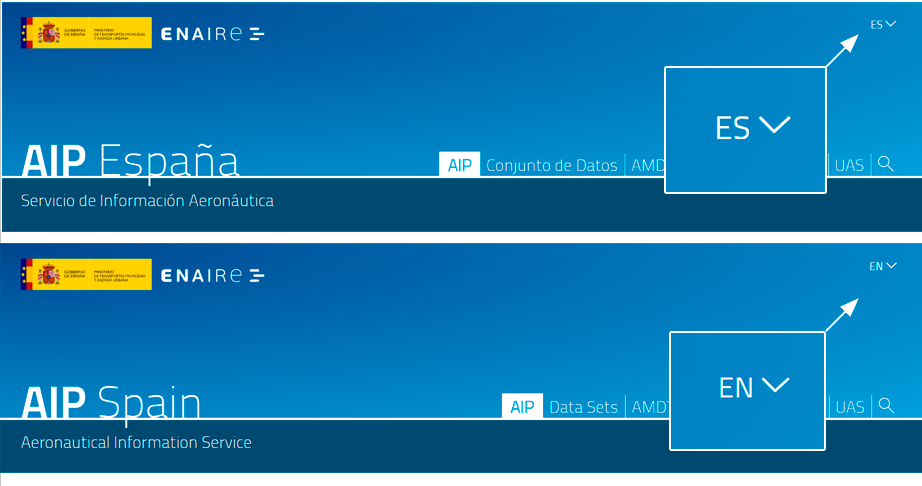
This means that the AIP sections will be displayed in English. | This means that the AIP sections will be displayed in Spanish. |

These new HTML format sections will also be available in PDF format, which is a direct printout of the HTML document, and therefore, there will also be one for each language.
2. Sections are no longer published on a page-by-page basis.
As HTML documents are not divided into pages, the pagination disappears for these sections. Each section has only a header and footer with the date of entry into force and the amendment in which it is published.
The PDF document is paginated, and includes the reference, table of contents, header and footer in each page. All pages will have the same amendment and effective date. The page number is indicated by a hyphen (-1, -2, -3, etc.).
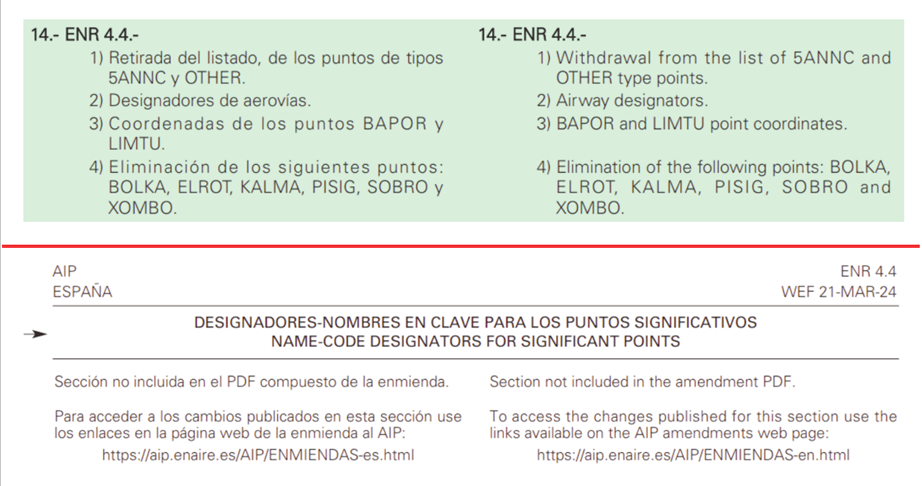
This affects the GEN 0.4 section and how the pages to be inserted and destroyed for each amendment are referenced, indicating from now on the complete section - ENR 4.4, for example - and referring to the number of pages contained in the PDF (which may differ in each language); for example - GEN 1.4 -1 a 11 // to 10 - identifies the GEN 1.4 section and indicates that it has 11 pages in the Spanish PDF and 10 in the English one.
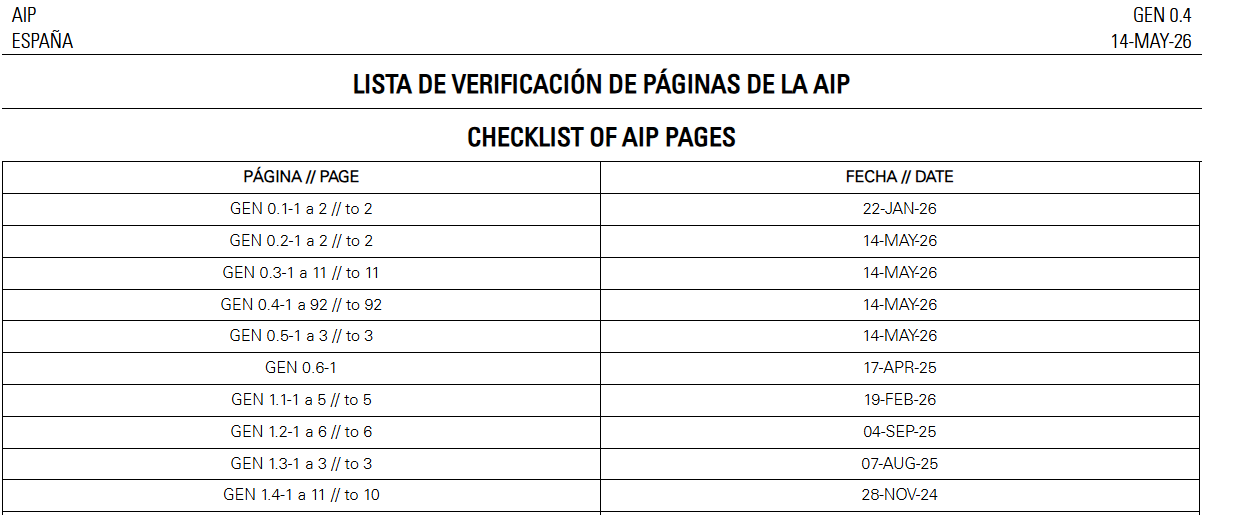
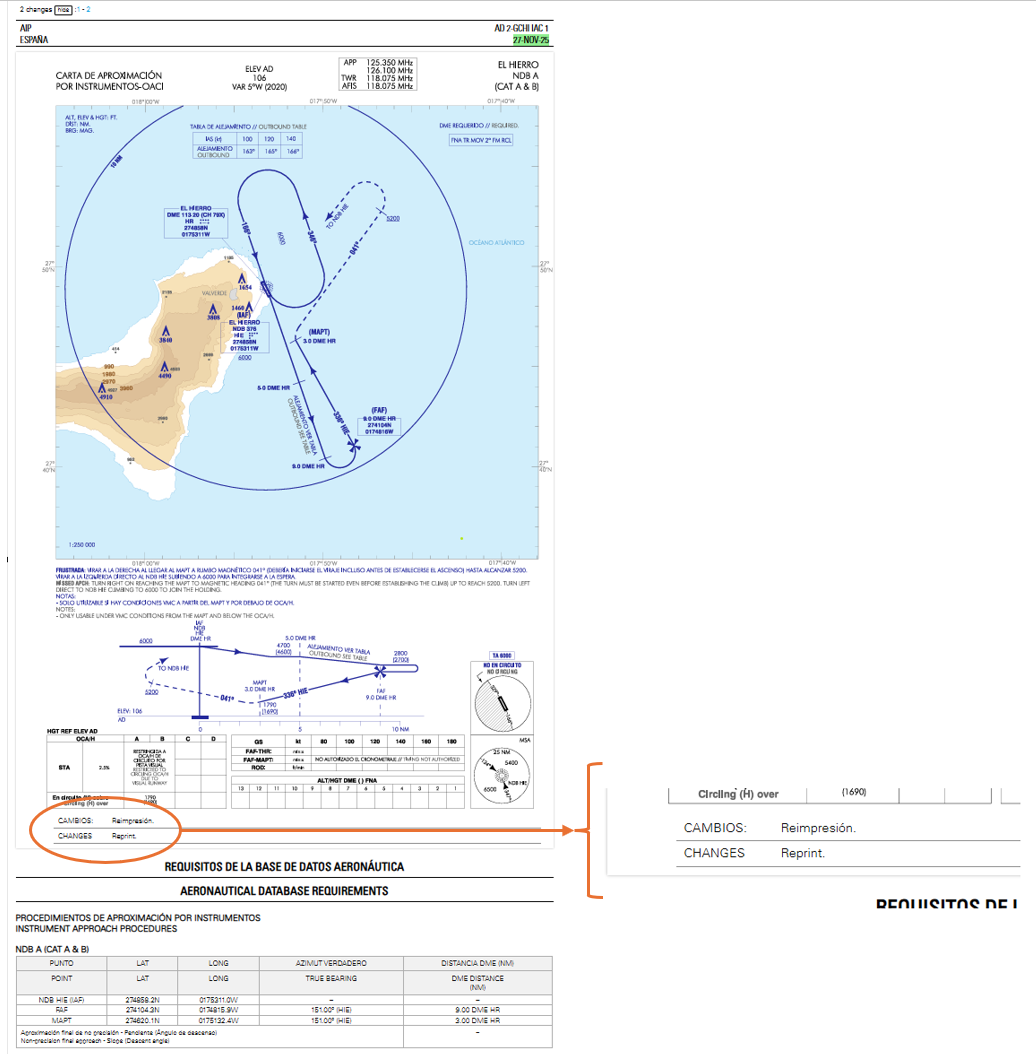
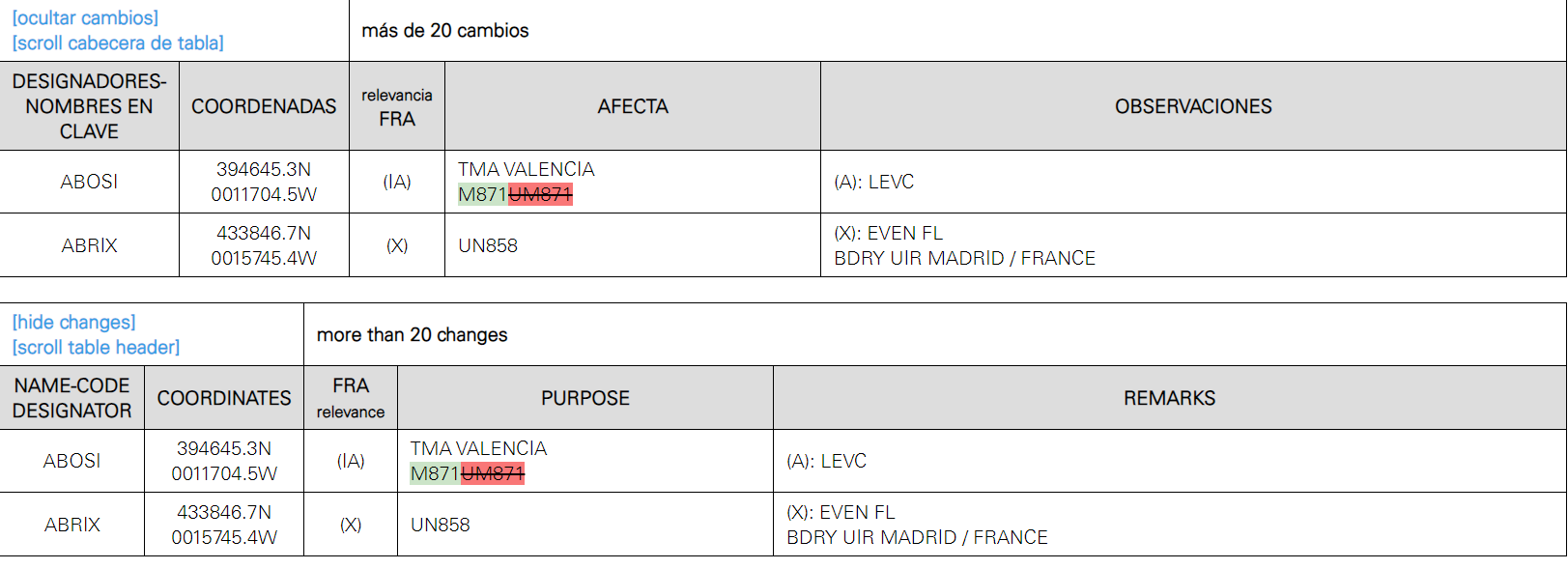
3. Changes to the amendment are displayed in colours and not indicated by arrows as was the case previously. The PDF version of these documents highlights the changes in the same way.
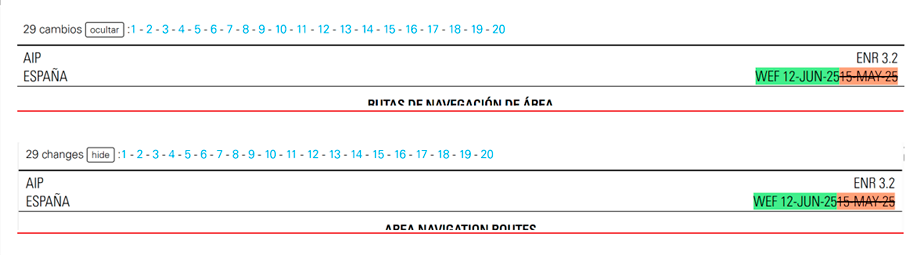
New text is highlighted in green, while text that is deleted is highlighted in red.
At the top of the HTML file is the number of changes, the option to navigate to them, and the option to hide them.
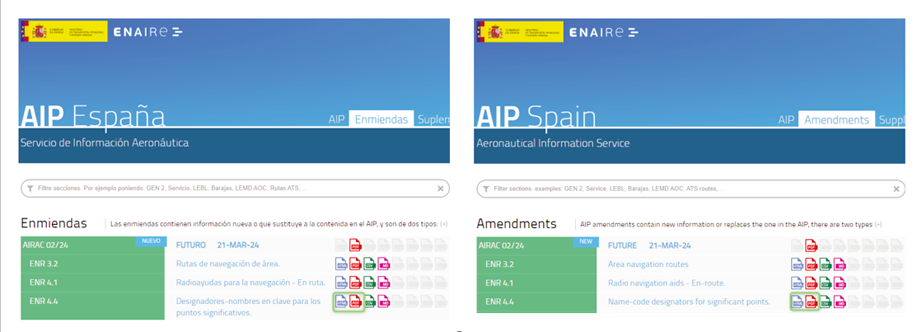
4. The amendment is provided as an HTML index file containing:
Links to the files of each section as HTML, CSV, datasets, etc. that are modified by the amendment.
A complete PDF file, with all pages that have been updated.
Example of the HTML amendment index page.